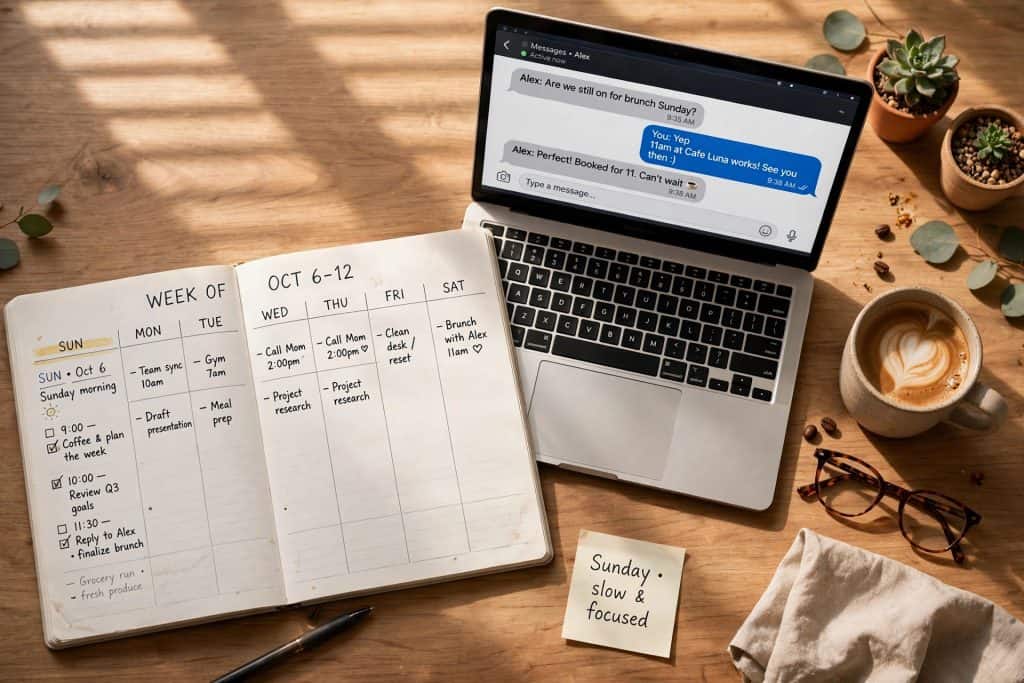
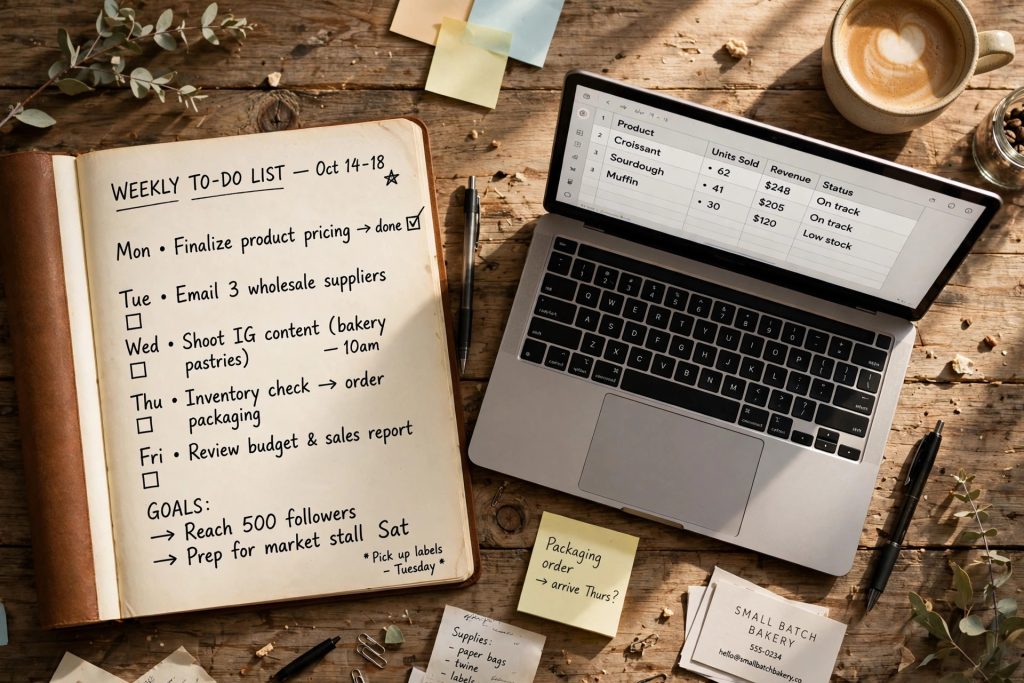
I have a friend, Marco. He runs a small bakery in Austin. Up at 4 a.m., home by 3 p.m., and in between he’s the marketer, the accountant, the hiring manager, and his own IT guy. Last month I showed him two chatgpt prompts for small business owners that I actually use myself.
He stared at me like I’d handed him an extra employee.
Okay. Before we go further: most prompt lists online are garbage. You know the ones. “Write me a marketing plan!” Great. That gets you a wall of generic advice you’ll skim once and never open again. (I say this as someone who has written those lists. Sorry.)
What actually works is smaller. Boring, even. The seven below take jobs that eat 45 minutes and shrink them to five. Copy them. Fill in the brackets. Move on with your day.
TL;DR: Skip the AI strategy deck. You need seven prompts. The ones below cover social captions, customer emails, pricing math, job posts, vendor negotiations, weekly planning, and cash-flow checks. Five minutes each, free on ChatGPT’s free tier. The trick? Add one real detail about your business. That’s it.
What is a “small business prompt,” exactly?
What is a small business prompt? It’s an instruction you give an AI chatbot that already knows your context. Your prices, your customers, your tone of voice. Instead of typing “write a caption” into a blank box and getting something awful, you fill in the blanks and get a draft that’s 80% there.
This stopped being a fringe thing a while ago, by the way. The U.S. Chamber of Commerce’s 2025 Empowering Small Business report found 58% of small businesses now use generative AI. That was 40% in 2024. And 23% in 2023. Constant Contact’s Small Business Now research put numbers on the upside: 91% of small businesses using AI say it made them more successful, and 28% expect AI and automation to save them at least $5,000 over the next 12 months. The owners winning at this aren’t building anything fancy. They’re skipping the blank page.
Which AI tools are actually worth paying for?
Here’s my honest answer: one. ChatGPT Plus, $20 a month. Every prompt in this post works fine on the free tier, but Plus gets you file uploads, image help, and faster answers at 8 a.m. when everyone else is asking too. Canva Pro ($120 a year)? Only if you design your own graphics every week. Everything else, use the free version until it genuinely annoys you.
I ran Marco’s bakery captions on the free tier for a month before he upgraded. The paid version didn’t make the captions better. It just made Saturday mornings less painful. Quick rundown:
| Tool | Price | Worth it when… |
|---|---|---|
| ChatGPT (free) | $0 | All seven prompts below |
| ChatGPT Plus | $20/month | You want file uploads and faster busy-hour answers |
| Canva Pro | $120/year | You make your own flyers and social graphics weekly |
| Shopify Magic | Included with Shopify (plans from $39/month) | You run a store and hate writing product descriptions |
The 7 prompts that earn their keep
One rule: don’t be precious about it. Fill in the brackets, hit enter, and accept that the first draft will be ugly. That’s the whole point. It’s a draft, not a marriage.
1. The 5-minute social caption
True story. Marco used to spend 25 minutes on one Instagram caption for the Saturday sourdough drop. Mostly just staring at his phone. Now:
You are the social media manager for a [bakery] in [Austin, TX]. Write 3 Instagram captions under 150 characters for [this Saturday’s sourdough drop]. Friendly tone, one emoji max, end with a call to action. No hashtags.
He picks one, changes two words, posts. Five minutes, done. And here’s the annoying part: these captions are better than the ones he used to agonize over. Effort is not the same as quality. Took me years to learn that.
2. The customer reply that doesn’t sound like a robot
You know the feeling. A bad review or a confused email sits in your inbox and just radiates. This prompt takes the stress out:
Here’s a customer email: “[paste it]”. The customer is [angry/confused]. Draft a reply under 120 words that [offers a refund / explains the policy / invites them back]. Sound like a real person, not a template.
The mood bracket is doing more work than it looks. “Angry” and “confused” produce completely different drafts. I use a version of this myself, and if email is your particular time-sink, my full email routine lives in my post on cutting email time in half.
3. The pricing sanity check
Most small owners price by gut. Look, gut is fine. But gut plus arithmetic? Better:
My [croissants] cost $[1.10] each to make. I sell [400] a month at $[3.50]. If I raise the price to $[3.85], how much extra do I make per month, and what would I have to assume about lost sales for it to backfire? Show the math simply.
ChatGPT is surprisingly decent at back-of-napkin math. More importantly, the prompt forces you to name your assumptions, which is where the real value is. Money prompts your thing? I’ve got five more for budgeting and six for Excel.
4. The job post that actually attracts people
“Hiring: baker needed.” Three applicants. Two didn’t read it. Specificity fixes this:
Write a job posting for a part-time [early-morning baker] at my [bakery] in [Austin, TX]. Pay is $[18]/hour, shifts are [4 a.m. to 10 a.m., Tue-Sat]. Mention the team vibe and one honest perk. Under 200 words, no corporate jargon.
That “one honest perk” line? Doing real work. Free sourdough every shift will beat “competitive compensation” every single time. People can smell corporate jargon. In Marco’s case they smell sourdough instead, which is frankly a better recruiting strategy.
5. The vendor negotiation email
Nobody loves haggling with suppliers. Which is exactly why most owners never do it, and leave money on the table for years. Let the draft do the awkward part:
I’m negotiating with a flour supplier who quoted $[X] per [50-lb bag]. Draft a polite email asking for 10% off or better payment terms. Mention I’m comparing two other suppliers, but I’d prefer to stay with them. Keep it friendly and short.
Worst case, they say no and you’re exactly where you started. Best case, you just gave yourself a raise.
6. The Monday reset
Sunday-night dread usually means your week is a soup. Dump it out of your head:
Here’s everything on my plate this week: [paste your messy list]. Sort it into: must-do today, this week, and can-wait. Flag anything I could delegate, automate, or just delete.
The “or just delete” part is my favorite. Roughly a third of my list evaporates every time. If you do client work on the side, these freelancer prompts pair well with this one.
7. The blunt cash-flow check
Saving my favorite for last. AI has no politeness filter about your money, which is precisely what makes this one good:
My monthly fixed costs are $[X]. Average monthly revenue is $[Y]. My slowest month is [January]. How big should my emergency fund be, and what’s the first expense you’d cut? Be blunt.
“Be blunt” genuinely changes the output. Without it, you get a lecture. With it? A plan.
How do I keep my business data private?
Easy version: never paste customer names, card numbers, addresses, or anything you’d hate seeing leaked into any AI chatbot. Placeholder names like “Customer A” work just as well. On ChatGPT Plus, you can also turn off training on your data in the settings. And the truly sensitive stuff — payroll, tax IDs, bank logins — stays completely out of AI tools. No exceptions, no “just this once.”
Marco writes “Customer B” and “[my POS system]” in his prompts. Drafts come out just as good.

Will customers be able to tell I’m using AI?
Only if you copy-paste without touching it. Here’s why raw drafts sound flat: they’re missing one specific detail. Add a customer’s name. The smell of the bakery at 6 a.m. The exact price. One real detail plus thirty seconds of editing, and it’s your voice. That’s the whole trick.
So start with one prompt. Not seven. One. Whichever chore you hate most — the captions or the customer replies. Use it three times this week. If it doesn’t save you at least an hour, I’ll be genuinely surprised. And so will your 4 a.m. alarm clock.
Yep. The free tier handles every prompt in this post — drafts, emails, planning, all of it. You’ll hit usage limits if you’re hammering it during a busy stretch, and you can’t upload files or images on free. But for most owners? Free is plenty to start. Upgrade when the limits actually bug you, not before.
Only if you’re in there every day. Plus gets you faster answers at peak hours, file and image uploads, and longer conversations. My suggestion: run the free tier for two weeks. If you keep bumping into the ceiling, the $20 pays for itself in a single saved afternoon.
Sort of. It’s good at organizing receipts, explaining confusing tax terms, and turning your numbers into a budget spreadsheet. But it shouldn’t replace your accountant. Think of it as a very fast assistant who still needs a human to double-check everything before tax season.
The data actually points the other way for small businesses. The U.S. Chamber of Commerce found that 82% of small businesses using AI increased their workforce over the past year. Owners seem to use the time savings to grow, not to cut.
Save hours every week with AI
One practical tip every Tuesday — the AI tools, prompts, and workflows that actually save you time. Free, no fluff.
No spam. Unsubscribe anytime.