So my landlord emails me my lease renewal last month. 41 pages. Dense legal language — the kind where your eyes glaze over by page three, and by page ten you’re questioning your life choices.
Five years ago? Honestly, I’d have scrolled straight to the signature line and signed. Like most people do. No shame in it.
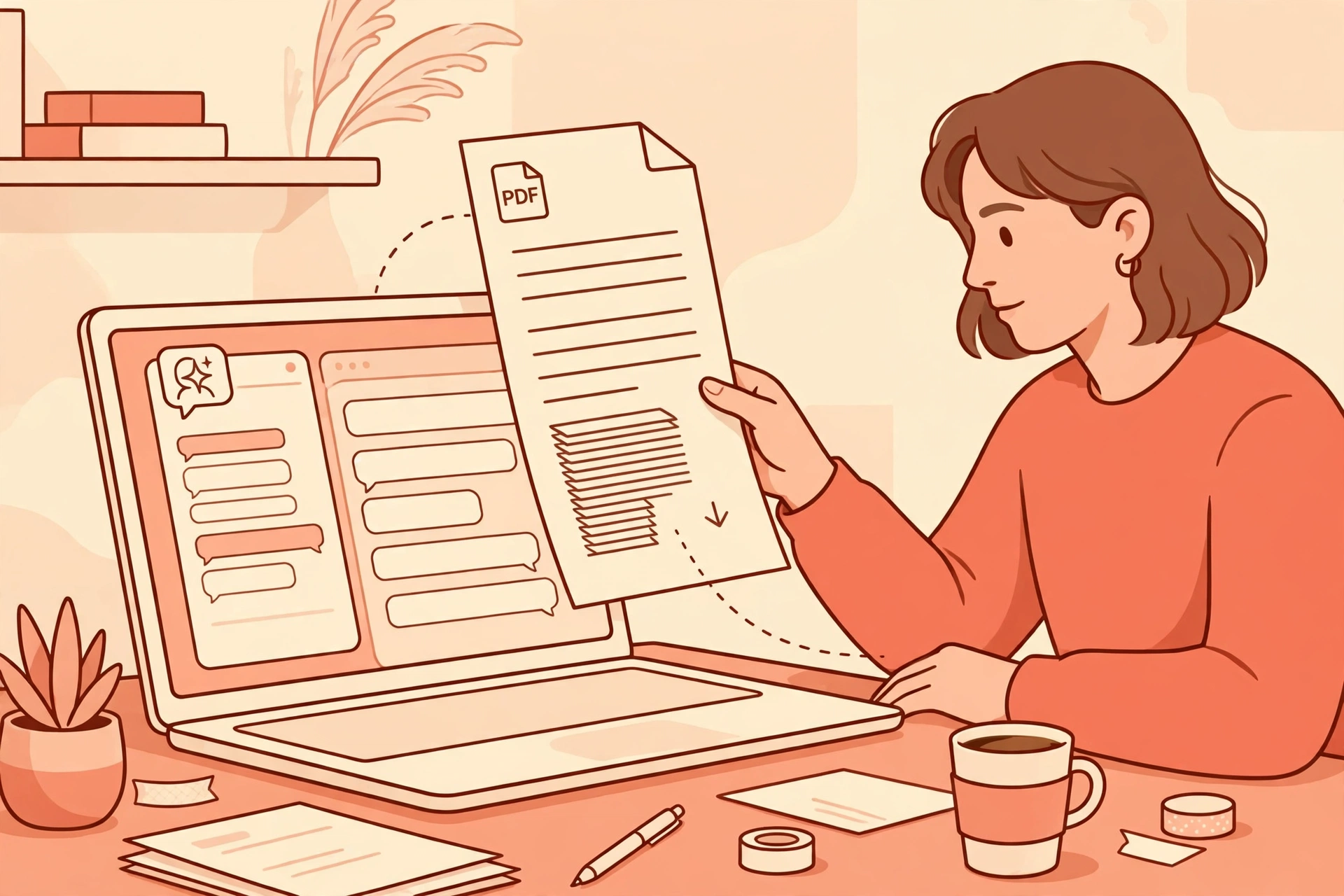
This time I did something different. I dragged the whole PDF into one of the new AI PDF tools and typed, in plain English: “What’s the early termination clause?”
Two minutes later I had my answer. In normal human words. With a citation pointing at page 27. I clicked it, checked the paragraph myself — yep, that’s what it said.
Okay. I was impressed.
Since then I’ve spent a few weeks putting the most popular AI PDF tools through their paces — real documents, real questions, the boring stuff I’d actually use. And here’s my honest take: this is one of the rare AI categories I’d recommend to normal people. No prompting course required. No forty-step workflow. You upload a document. You ask it questions. It answers. Wild concept, I know.
Here’s how the three best options compare in 2026.
TL;DR: ChatPDF is the fastest free way to chat with a single PDF — 2 documents a day, no signup needed. Adobe’s AI Assistant ($4.99/month add-on) wins if you already live in Acrobat and want contract smarts like comparing up to 10 document versions side by side. PDF.ai sits in the middle, with better multi-document chat starting at $10/month. For most people: start with ChatPDF free, and only pay when you hit its limits.
Update — October 2026: This post was reviewed in October 2026, and its tool details were checked against the vendors’ own pages. You can also explore related posts on Productive AI Hub for more AI tools and productivity guides.
| Tool | Free plan | Paid price | Best for |
|---|---|---|---|
| ChatPDF | 2 PDFs/day, ~50 questions/day | Plus $14.99/mo monthly, $6/mo yearly | Quick one-off questions on a single document |
| Adobe Acrobat AI Assistant | None — paid add-on | $4.99/mo on top of Reader, Standard, or Pro | Contracts, scanned documents, Acrobat regulars |
| PDF.ai | 1 PDF, 100 questions/month | Pro from $10/mo | Multi-document chat and data extraction |
What is a “chat with your PDF” tool?
Fair question. An AI PDF tool is software that lets you upload a PDF and ask questions about its contents in plain language. It answers using the document itself — usually with quotes or citations — so you don’t have to read all 41 pages yourself.
The idea’s been around forever. Researchers were dreaming about this stuff decades ago. But the tech only got good enough around 2023, and the whole category has matured fast since then. I’ve also tested Google’s NotebookLM, which does something similar for research notes and documents — same “upload and ask” idea, different flavor. And if you’ve tried any of the free AI tools I rounded up before, the interface will feel familiar: upload, wait a few seconds, start chatting.
ChatPDF: the fastest free option
ChatPDF basically invented this category, and it’s still the first one I tell friends to try. Here’s why: you go to the site, drag in a PDF, and you’re asking questions within seconds. No account. No setup. Just… ask.
Real test. Last month I fed it my 12-page HOA rulebook — three questions: the pet policy, the guest parking rules, and whether I could run a small business from home. Each answer came with a citation I could click to verify. Two out of three were spot-on.
The third? A little vague. But here’s the thing — clicking through to the cited paragraph showed me why. The document itself was ambiguous. That’s the best-case scenario, honestly: the tool shows its work, so you can check it yourself instead of blindly trusting it.
The free plan: 2 PDFs a day, around 50 questions, each file capped at 120 pages and 10 MB. For most people that’s plenty — more than plenty, actually. The paid Plus plan ($14.99/month billed monthly, $6/month billed yearly) removes the caps.
Weaknesses, because nothing’s perfect. It chats with one document at a time — no comparing across a stack of files. Accuracy drops on very long documents (a few hundred pages and it starts to wobble). And one thing worth knowing: your files live in their cloud. So maybe don’t upload anything truly confidential.
Adobe Acrobat AI Assistant: built for contracts and real paperwork
If ChatPDF is a quick chat, Adobe’s AI Assistant is the full workstation. It lives inside Acrobat — the same app where your PDFs already open — and it does way more than answer questions. Structured summaries with headers. Jargon explained in plain English. And the one I keep coming back to: it compares up to 10 versions of a contract to flag inconsistencies.
This is where Adobe clearly did its homework. The company found that 69% of consumers have signed a contract without fully understanding what was in it — and nearly two in three later discovered unexpected terms (TechRadar). Let that sink in. For apartment leases, gym contracts, freelance agreements — a tool that translates legalese into plain English isn’t a gimmick. It’s genuinely useful.
Pricing is straightforward: $4.99/month add-on, and it works even with the free Acrobat Reader. You don’t need a paid Acrobat subscription for the AI features.
Two honest caveats though. First — it makes the most sense if you already live in Acrobat. Paying Adobe plus an add-on just to chat with PDFs? Overkill, when free tools exist. Second — the flip side is that it’s great with scanned documents thanks to Adobe’s OCR, which the web-based tools honestly can’t match.
PDF.ai: the middle ground for multi-document work
PDF.ai is what you graduate to when one-document-at-a-time stops cutting it. The free Hobby plan: 1 PDF, 100 questions a month. Tight, I know — but enough to test the waters.
Paid plans start at $10/month for Pro. What does that get you? Multi-document chat, for one. Tag and organize your library. Extract structured data — tables, fields — from financial documents. In independent testing it’s been strong on finance and ops docs: invoices, statements, reports. If your job involves comparing quarterly reports or pulling numbers out of contracts, this is the one built for you.
Better than ChatPDF for casual use? Nah, not really. For a single rental agreement or a research paper, ChatPDF’s free tier does the same job with less friction. PDF.ai earns its money when your documents start piling up.
So which one should you actually use?
Okay. My honest take after a few weeks with all three.
- You’re a student, or you just need a quick answer now and then? ChatPDF, free. Thirty seconds to start, and the limits are generous enough for occasional use. Students working through research papers might also like my ChatGPT study prompts — they pair well with a PDF reader.
- You deal with contracts, leases, or legal paperwork regularly? Adobe’s AI Assistant. $4.99/month is cheap insurance when a missed clause could cost you hundreds. And if you already use Acrobat daily, this is a no-brainer.
- Comparing documents or extracting data for work? PDF.ai from $10/month. Multi-document chat and structured extraction are worth paying for if they save you even an hour a week.
One rule applies to all three, though: verify the citations. These tools are good. But they’re still AI — they can misread ambiguous wording. Every tool here shows its sources, so use them. And never treat an AI answer as legal advice. For anything binding, a human lawyer still wins. Every time.
4 tricks that make any PDF chatbot way better
Small habits. Big difference. I’ve tested these across all three tools, and they all work.
- Ask for the exact quote. “Quote the exact sentence about early termination” beats “what’s the termination policy?” every time. Forces the tool to show its evidence. Night and day difference.
- One question at a time. Compound questions — “what are the fees and the renewal terms and the pet policy?” — get mushy answers. Ask them separately and you’ll get three sharp answers instead of one blurry one.
- Start with a summary. Before your specific questions, ask for a 5-bullet summary. It gives you a map of the document. Then you know what to ask about. Sounds obvious, but most people skip it.
- Check the citation, not just the answer. Every tool above links its answers back to the document. Click through on anything important. Ten seconds of effort — and it’s the difference between trusting the tool and verifying it.
Frequently Asked Questions
ChatPDF’s free tier is the most generous no-signup option — 2 PDFs a day, around 50 questions, each file up to 120 pages. PDF.ai has a free plan too (1 PDF and 100 questions a month). Adobe’s AI Assistant? No free tier. It’s a $4.99/month add-on even on the free Acrobat Reader.
Depends. Adobe’s tool handles scanned documents well because Acrobat has built-in OCR that converts images of text into searchable text. Web-based tools like ChatPDF struggle with image-only scans. If your scan is basically a photo of pages, run it through OCR first.
Be careful here. Free tools store your files in the cloud, so don’t upload anything you wouldn’t email to a stranger — tax returns, medical records, unreleased contracts. For sensitive work, check each tool’s data-retention policy, or switch to a business-tier AI writing tool
Nope. The $4.99/month AI Assistant add-on works with the free Acrobat Reader. You only need a paid Acrobat plan (Standard or Pro) if you also want editing, conversion, and e-signature features.
The bottom line
Three weeks ago I would have signed that lease renewal blind — like the 69% of people in Adobe’s survey. Instead, I knew my termination clause, my rent-increase cap, and my guest policy before dinner. Total cost? Zero dollars. About ten minutes.
Start with ChatPDF free — it covers what most people need. If contracts are a weekly thing in your life, Adobe’s $4.99 add-on is the cheapest peace of mind you’ll buy this year.
Either way: stop signing documents you haven’t read.
Save hours every week with AI
One practical tip every Tuesday — the AI tools, prompts, and workflows that actually save you time. Free, no fluff.
No spam. Unsubscribe anytime.