Last month I stood in a grocery store parking lot staring at a $247 receipt. For what? Milk, chicken, some vegetables, and a truly embarrassing quantity of snacks. Nothing fancy. Nothing organic. Two hundred and forty-seven dollars.
I’ve never minded cooking. It’s the planning I hate — the part where you stand in aisle seven trying to remember if there’s rice at home while someone sighs behind you. So back in August, I did something I should have done a year earlier: I handed the whole planning job to ChatGPT.
Three months in, our weekly bill dropped from around $215 to about $185. That’s roughly $120 a month, or $1,440 a year, from a 15-minute Sunday routine. Here’s exactly how it works.
TL;DR: I let AI plan my groceries for three months. Every Sunday, ChatGPT turns five dinner ideas into a store-ready shopping list, estimates the cost, and flags expensive swaps. Our weekly bill fell from ~$215 to ~$185 — about $120 a month saved. It won’t clip coupons for you, but it kills impulse buying and food waste dead.

What is AI grocery shopping, exactly?
AI grocery shopping means using a chatbot like ChatGPT or Gemini to handle the thinking around your grocery run: choosing the week’s meals, merging them into one consolidated list, estimating what it’ll cost, and suggesting cheaper swaps. It doesn’t buy anything for you. Think of it as a free assistant who’s weirdly good at meal math.
What is AI grocery shopping? AI grocery shopping is the practice of using generative AI tools to plan meals, build shopping lists, compare prices, and cut food spending. The AI does the planning — you still push the cart.
The numbers explain why this matters. In 2025, U.S. consumers spent 9.7% of their disposable income on food, according to the USDA’s Economic Research Service. The USDA’s thrifty food plan puts a family of four at roughly $1,000 a month for groceries. And the average American household actually spends about $6,224 a year on groceries, per the Bureau of Labor Statistics’ 2024 Consumer Expenditure Survey. With grocery prices up 2.4% in 2025, the planning part is where the money leaks out — or gets saved.
The tools, honestly compared
You don’t need anything fancy. Here’s what’s actually worth using:
| Tool | Price | Best for |
|---|---|---|
| ChatGPT | Free / $20 mo Plus | The best all-rounder; great at prompts and remembers your pantry with memory on |
| Gemini | Free / $19.99 mo | Solid pick if you already live in Google’s world |
| Microsoft Copilot | Free | Quick lists with no account; fine for a simple week |
| Mealime | Free / $5.99 mo | Built for exactly this; turns chosen recipes into lists automatically |
| Eat This Much | Free / $9 mo | Calorie-targeted plans that double as a grocery list |
| Flipp | Free | Not AI — but shows all your local stores’ weekly circulars in one place |
I use ChatGPT for the planning and Flipp to check what’s actually on sale. That combo beats any single app I’ve tried.
My 15-minute Sunday routine
This is the whole system. Fifteen minutes, once a week, coffee in hand.
1. The pantry dump (2 minutes). I open ChatGPT and type what’s in my fridge and pantry, badly. “Half a bag of rice, 3 chicken thighs, black beans, sad carrots, half an onion, eggs, tortillas.” Typos and all. It doesn’t care.
2. The dinner ask (3 minutes). Then: “Give me 5 dinners under $60 total using what I listed plus seasonal produce. Nothing that takes over 35 minutes, two adults, and I want leftovers for lunch twice.”
3. The merged list (2 minutes). “Turn that into one shopping list grouped by store section — produce, meat, dairy, pantry — with rough quantities.”
4. The swap check (5 minutes). This is where the savings live: “Flag anything on this list that looks expensive and suggest a cheaper swap.” Week one, it suggested pork tenderloin. I asked for the cheap version. It swapped in chicken thighs and saved me $9 in a single sentence.
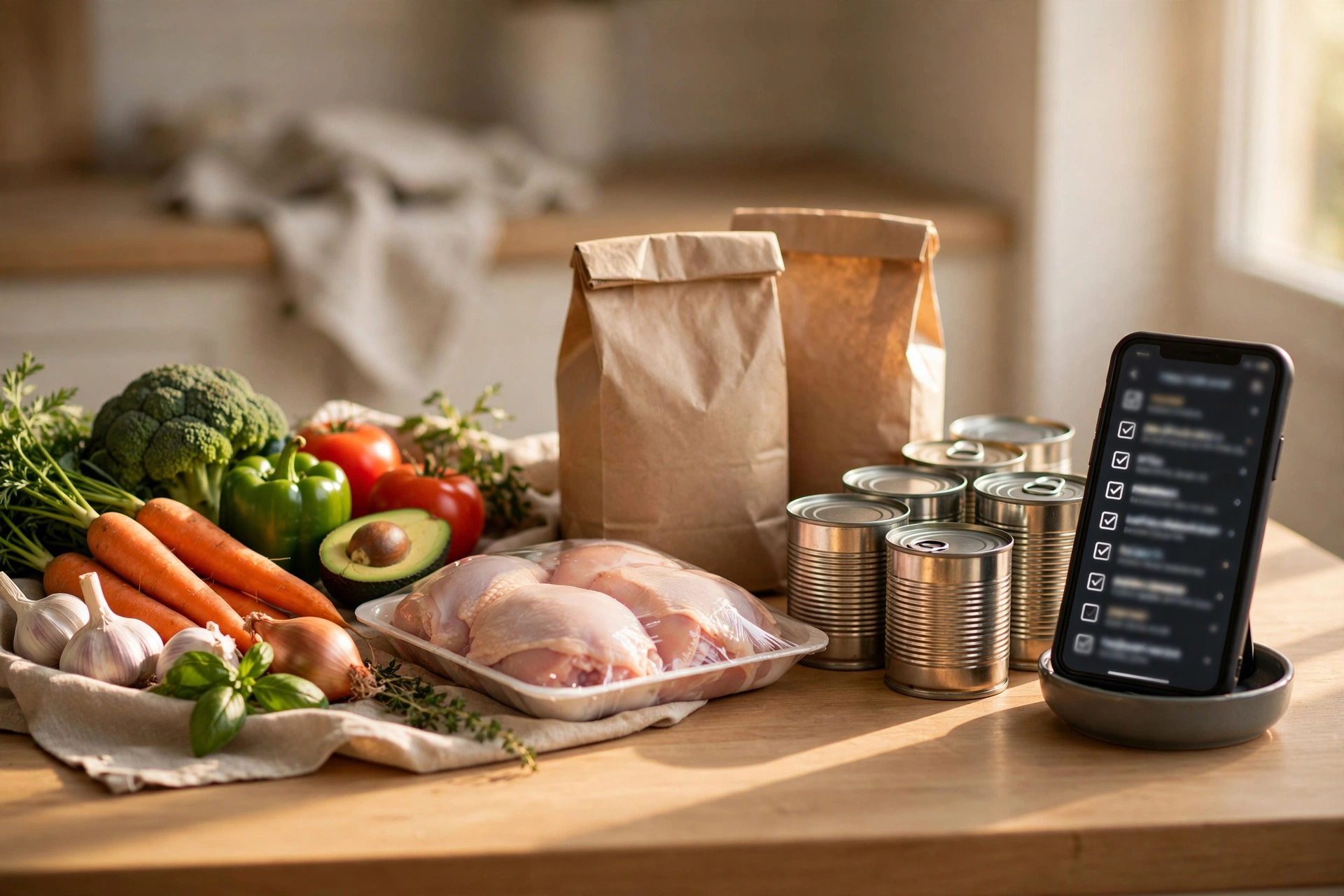
5. Shop from the screenshot. I screenshot the list and buy only what’s on it. That’s it. The list is the whole trick — no list, no savings.
The 3 prompts I reuse every single week
Copy these. Tweak the details, keep the structure.
Prompt 1 — the planner: “Plan 5 weeknight dinners for 2 adults. Budget: $60 total for these meals. Use up: [paste pantry items]. Rules: max 35 minutes each, at least 2 meals with lunch leftovers, no seafood (we’re picky).”
Prompt 2 — the list builder: “Turn those 5 dinners into one grocery list. Group by store section. Combine duplicates (if two recipes need garlic, list the total). Add quantities in normal units, not grams.”
Prompt 3 — the swap checker: “Look at this list and flag the 3 most expensive items. For each, suggest a cheaper alternative that won’t ruin the meal.”
That third prompt is the money prompt. It’s caught $6/lb “fancy” cheese, out-of-season berries, and my weakness for pre-cut vegetables (a 200% markup for someone else holding a knife).
Where it goes wrong (ask me how I know)
I’m not going to pretend this is magic. A few honest caveats:
It hallucinates prices. It once told me chicken breast was $1.99/lb at my store. It was $3.49. Treat every price it gives you as a rough guess, not a quote. The planning is the value; the prices are decoration.
It doesn’t know your store. It can’t see that your Kroger is out of limes or that your Walmart moved the salsa. Pair it with your store’s app or Flipp for what’s actually on sale this week.
It plans like you’re feeding a football team. My first plan fed “2 adults” enough for what looked like six. Now I always add “no leftovers” or “leftovers for exactly 2 lunches” — portion control, but for an AI.
It can’t clip coupons. This is the big one people ask about. No chatbot can see live coupons or your store loyalty deals. AI does the planning; your store’s app does the discounts. Anyone who tells you otherwise is selling something.
5 tricks that did the heavy lifting
Beyond the prompts, these five habits saved the most:
1. Store brands for pantry staples. Canned tomatoes, pasta, beans, rice — the store brand tastes identical and costs 30–40% less. I asked ChatGPT which items are “safe” to go generic on, and it was right about all of them.
2. The pantry-first rule. Tell the AI what’s already open in your fridge before it plans anything. This one move killed half our food waste, because we stopped buying a second jar of something we already owned.
3. Frozen vegetables, no guilt. Frozen peas and broccoli cost about half of fresh and don’t turn to slime in the crisper drawer. You know the bag of spinach that’s currently dying in your fridge. I know it too.
4. One splurge line item. We budget exactly one “I don’t care what it costs” item per week. Mine is good cheese. A system with zero joy in it is a system you’ll quit by week three.
5. Track it in a spreadsheet. I keep a dead-simple sheet: date, store, total. I had ChatGPT write the formulas for the running average — if you want to do the same, here’s how I got ChatGPT to write my Excel formulas. Watching the average drop from $215 to $185 kept me going when the novelty wore off.
The routine pairs well with a broader weekly reset, too — I do my planning right after planning the rest of my week with ChatGPT, and the whole Sunday session takes under 40 minutes. It started as a money thing; honestly, the calmer Sundays were the better payoff. (If money’s the main goal, these ChatGPT budgeting prompts stack nicely with this.) And since the free tier handles all of this fine, it’s one more entry for my list of free AI tools that actually compete with the paid ones.
FAQ
Yes — with one condition: give it constraints. “Make a grocery list” gets you something generic. “Make a grocery list for 5 dinners under $60, grouped by store section, for 2 adults” gets you something you can actually shop from. The specificity is the whole skill.
Not really, and be skeptical of anyone who says otherwise. Chatbots can’t see live store circulars or your loyalty account. What they can do is suggest which items are typically cheapest at which type of store (bulk at Costco, produce at Aldi) — then verify with your store’s app.
Yes. Tell the AI which store you’re shopping at and it adjusts — it’ll lean bulk at Costco, store-brand at Kroger, and rock-bottom basics at Walmart or Aldi. Mention your actual store in the prompt and the suggestions get noticeably better.
I saved about $120 a month, but your number depends on where you’re starting. If you already meal-plan strictly, maybe $30–50. If you currently shop by vibes and hunger — like I did — triple digits is realistic. The savings come from killing impulse buys and waste, not from the AI finding secret discounts.
$120 a month is $1,440 a year. That’s a weekend trip, or half a new laptop, or the difference between dreading the grocery store and barely thinking about it. Fifteen minutes on a Sunday. Try it once, then check the receipt — that’s the only review that matters.
Save hours every week with AI
One practical tip every Tuesday — the AI tools, prompts, and workflows that actually save you time. Free, no fluff.
No spam. Unsubscribe anytime.