Last month I needed a hero image for a blog post. Nothing fancy, just a cozy coffee shop scene. I typed the same prompt into four different AI image generators and stared at the results for way too long. One looked like a movie poster. One looked like a stock photo. One spelled “coffee” as “cofeee.” And one just got it right.
That little experiment turned into a month of testing. Because here’s the thing nobody tells you upfront: these tools are not interchangeable. They have personalities. Midjourney is the art student. DALL-E 3 is the helpful friend. Flux is the photographer. Ideogram is the graphic designer. Pick the wrong one for your job and you’ll burn twenty bucks learning it the hard way.
So this is the honest comparison I wish someone had handed me before I subscribed to anything.
TL;DR: I tested Midjourney, DALL-E 3, Flux, and Ideogram on identical prompts for a month. Midjourney wins on pure beauty, Flux on photorealism, Ideogram on readable text, and DALL-E 3 on ease of use. Most beginners should start free with Ideogram or ChatGPT before paying for anything.
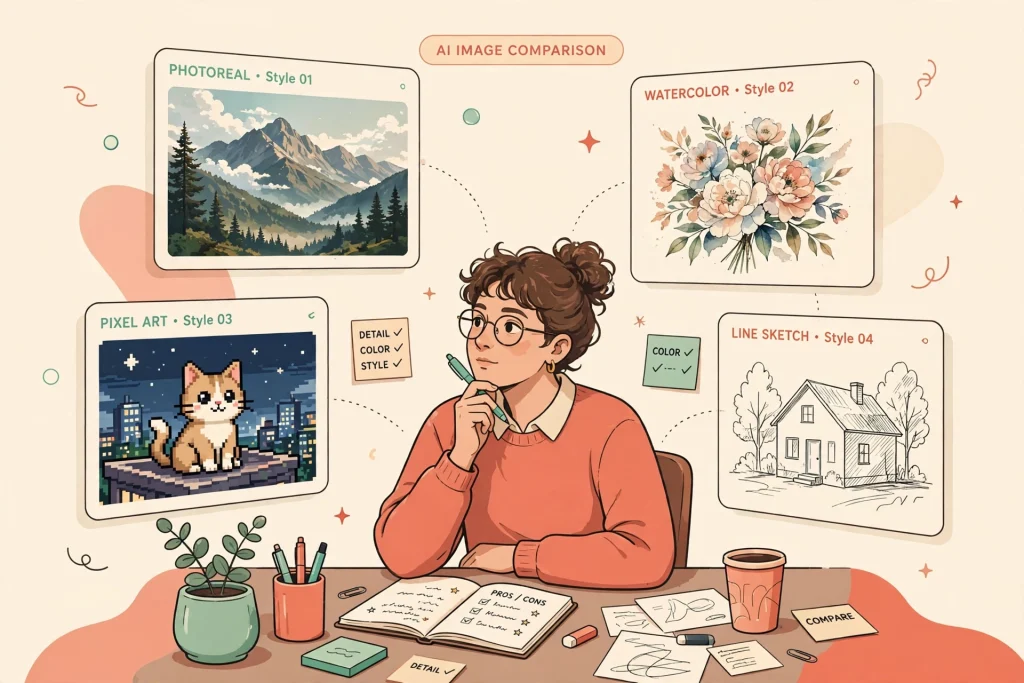
What is an AI image generator, exactly?
An AI image generator is software that turns a written description — called a prompt — into a picture. You type “a watercolor fox reading a newspaper in a coffee shop,” and the model builds the image pixel by pixel, working from patterns it learned from millions of training photos and artworks.
Most of today’s tools use something called diffusion models. The short version: the AI starts with visual static and gradually sharpens it into your image, guided by your words. The longer version involves math I will not pretend to understand. What matters for you is the practical part — how much control you get, how good the results look, and what it costs.
The four tools, side by side
Before the deep dive, here’s the cheat sheet. Prices were checked against public pricing pages and a recent roundup that verified real prices on October 8, 2026.
| Tool | Price | Best for |
|---|---|---|
| Midjourney | From $10/mo (no free tier) | Stylized art, cinematic stills |
| DALL-E 3 (via ChatGPT) | Free with limits; Plus $20/mo | Beginners, easy edits |
| Flux | Open weights free; hosted ~$0.02–$0.30 per image | Photorealism, API builders |
| Ideogram | Free weekly credits; Plus from ~$15/mo on annual billing | Text in images, logos |
Midjourney: everything comes out looking like a movie poster
Midjourney is the oldest name here, and it shows in the best way. Give it a vague prompt — “a lighthouse at dusk” — and it hands back something you’d frame. No other tool has this strong a house style.
That’s also its weakness. Ask for a plain product shot of a white sneaker on a gray background and Midjourney will still try to make it cinematic. And there’s no free tier at all. Plans run $10, $30, $60, or $120 a month, with roughly 20% off if you pay annually, according to pricing checks from September 2026.
The good news: you no longer need Discord. Midjourney finally has a proper web interface, and it’s genuinely pleasant to use. Where it still stumbles is text. Ask for a poster that says “SALE” and you might get “SALE,” “SAEL,” or something with an extra limb of a letter. If your images need words, keep reading.
Who should pay for it: bloggers, YouTubers, and anyone making thumbnails or art where the look matters more than literal accuracy. If you also need moving pictures, I compared AI video generators separately.
DALL-E 3: the friendliest place to start
DALL-E 3 lives inside ChatGPT, and that changes everything about using it. Instead of learning prompt syntax, you just talk. “Make the fox bigger.” “Now make it raining.” “Actually, watercolor was wrong — try oil painting.” It follows along like a patient designer. For beginners, this conversational editing is worth more than any advanced feature.
Image quality is solid but not thrilling. DALL-E 3 plays it safe: clean, literal, a bit generic. It follows complex instructions well — “a red bicycle leaning against a blue door, no people” gives you exactly that — but it rarely surprises you the way Midjourney does. Text rendering is decent for short words, better than Midjourney, worse than Ideogram.
Pricing is simple: limited free generations in ChatGPT, or unlimited-ish access with ChatGPT Plus at $20 a month. If you’re already paying for Plus, DALL-E 3 costs you nothing extra. Not sure the $20 tier is worth it for you? I broke down whether that $20/month is actually worth it across the big three AI plans.
Who should use it: anyone starting out, and anyone who wants to iterate by chatting instead of re-prompting. If you’ve never generated an image with AI before, start here.
Flux: photorealism so good it’s slightly unsettling
Flux comes from Black Forest Labs, the team behind much of Stable Diffusion’s original research, and it shows. For photorealistic images — real-looking people, real-looking places — nothing in this list beats it. I generated a “candid photo of a farmer’s market on a rainy morning” and had to double-check it wasn’t a real photograph. Twice.
Flux also follows prompts with unusual precision. Where other tools interpret, Flux obeys. It has a genuinely different pricing model too: the model weights are open, so you can run it yourself for free if you have the hardware, or pay per image (roughly $0.02 to $0.30) through hosted APIs. There’s no simple flat monthly plan, which is great for occasional use and annoying if you want predictable billing.
The catch: text in images is hit or miss, and the best versions of Flux live behind developer-facing APIs rather than a friendly consumer app. You’ll likely use it through a third-party interface, which adds friction if you just want a simple app.
Who should use it: anyone replacing stock photography, mockup designers, and developers building image features into apps.
Ideogram: the only one that can actually spell
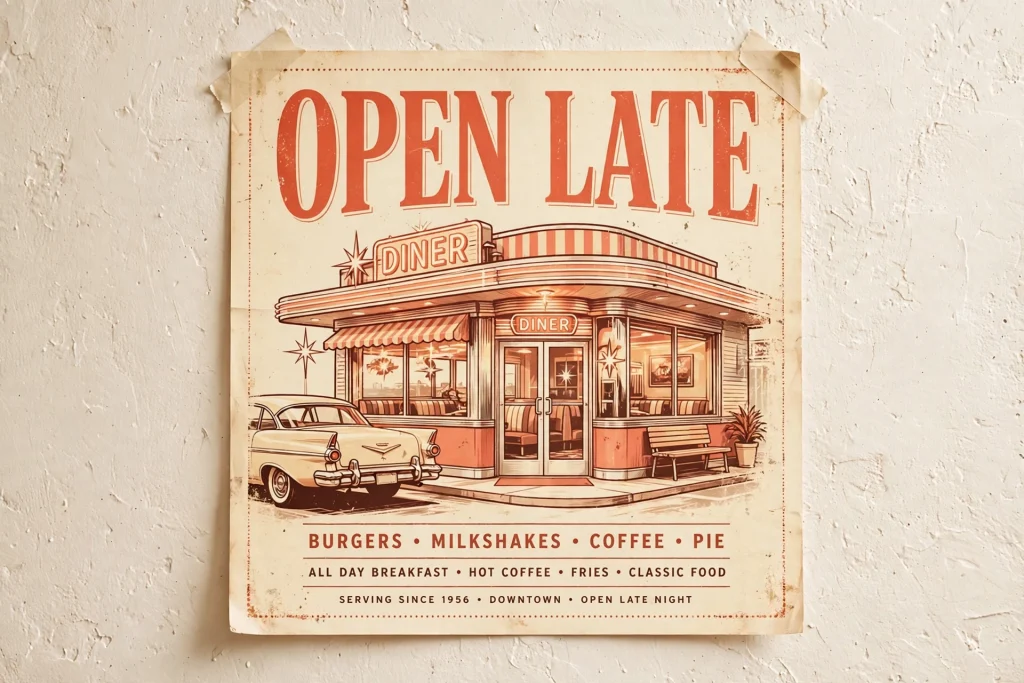
Here’s Ideogram’s party trick: it renders readable text. Logos, poster headlines, t-shirt designs, YouTube thumbnails with actual words on them — things every other generator fumbles. I asked for a retro diner sign reading “OPEN LATE” and got exactly that, first try, letters all present and accounted for. The company claims around 95% text reliability, and in my testing that felt about right for short phrases.
The free tier is genuinely usable: weekly slow credits, and commercial use is allowed even on free (your images stay public, though). Paid plans start around $15 a month on annual billing. Image quality for pure art lags behind Midjourney, and photorealism lags behind Flux.
I now make all my slide-deck graphics here. If you build presentations often, pair this with a good AI presentation maker and your decks get dramatically better for almost no effort.
Who should use it: marketers, small business owners, and anyone making graphics with words in them. The free tier alone covers most casual needs — it’s one of the genuinely good free AI tools out there right now.
So which one is worth your money?
If you make art or content where the look matters, Midjourney’s $10 plan earns its keep. If you need realistic photos or mockups, use Flux’s free or pay-per-image options and skip the subscription entirely. If text matters — logos, posters, thumbnails — Ideogram’s free tier is honestly good enough to start. And if you already pay for ChatGPT Plus, DALL-E 3 is sitting right there waiting. Start free everywhere; pay only when a specific job demands it.
One honest caveat: none of these are perfect. Hands still go weird sometimes. Small text still melts. And every tool has its off days where the same prompt gives you gold on Monday and garbage on Tuesday. Run your next three real image needs through the free tiers first and keep the one that nailed your actual use case.
My own setup after a month of testing: Midjourney for blog art, Ideogram for anything with words in it, and everything else cancelled. Total monthly cost: ten dollars.
Quick answers
DALL-E 3 inside ChatGPT. You describe what you want in plain English and refine it by chatting — “make it brighter,” “try a different style” — instead of learning prompt syntax. The free tier is enough to learn on.
Yes, several. Ideogram’s free weekly credits are the best starting point, especially for graphics with text. ChatGPT offers limited free image generation, and Flux’s open weights are free if you can run them yourself or use a hosted free tier.
Generally yes on paid plans, but check each tool’s current terms before you rely on it. Midjourney allows commercial use on all paid tiers. Ideogram allows it even on the free tier (images remain public). DALL-E 3 images made in ChatGPT come with broad usage rights under OpenAI’s terms.
Most image models learned what letters look like as shapes, not as language, so long words melt into convincing-looking nonsense. Ideogram was trained specifically on typography, which is why it spells correctly where others guess.
Prices and features shift every few months in this space, so check the current plan pages before you buy. But the underlying advice holds: figure out what your images actually need to do, test the free tiers against that job, and only then reach for your wallet.
Save hours every week with AI
One practical tip every Tuesday — the AI tools, prompts, and workflows that actually save you time. Free, no fluff.
No spam. Unsubscribe anytime.