I almost signed a contract with a cancellation clause that didn’t exist. The only reason I didn’t? NotebookLM caught what a regular chatbot invented.
TL;DR: NotebookLM is Google’s free research assistant that answers questions using only the documents you upload — every answer comes with a citation to the exact passage. I use it to find things, not write things: contracts, textbooks, meeting recordings. Upload one annoying document tonight and ask it three real questions.
Not my proudest moment. A few months back someone sent me a 60-page vendor agreement, and instead of reading it (ha), I pasted the whole thing into a chatbot and asked for a summary. Back came a tidy rundown. Clean. Confident. And wrong: the cancellation clause it quoted wasn’t in the document. Anywhere. I only caught it because the wording felt too smooth.
Anyway. A friend watched me spiral and said, just use NotebookLM. Same contract, same questions. Difference: every answer came with a footnote to the actual page. No footnote, no answer. I’ve used it for everything since.
What is NotebookLM?
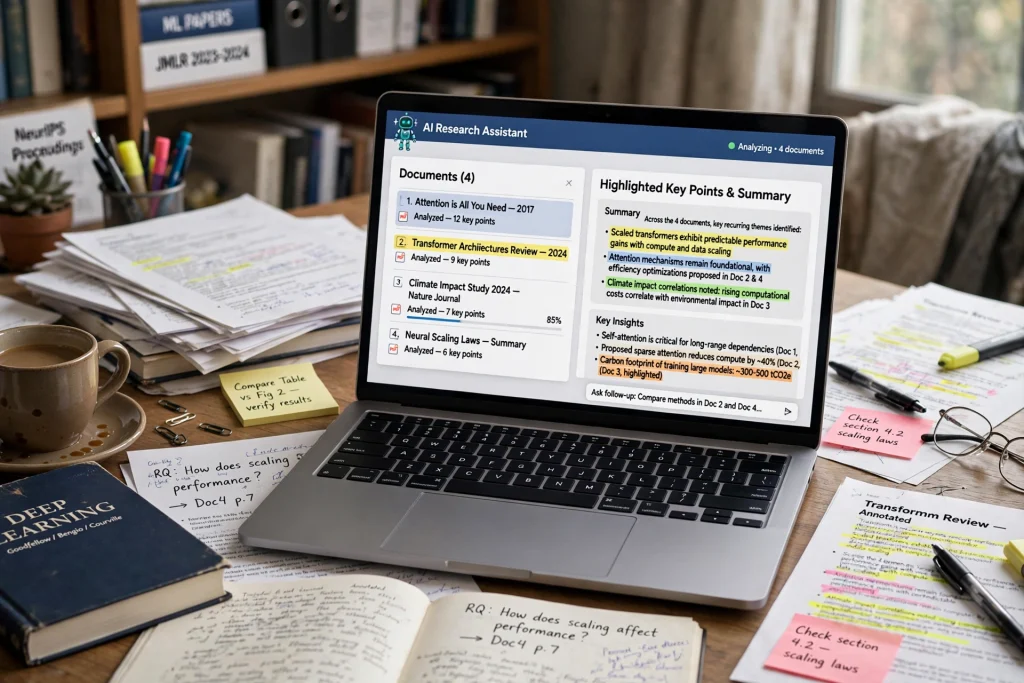
NotebookLM is Google’s free research assistant that answers questions using only the sources you upload: PDFs, Google Docs, websites, YouTube videos, audio files. Picture a study partner who read everything. Answers carry citations, and when your documents lack the answer, it admits that instead of guessing.
What makes NotebookLM different from ChatGPT?
Here’s the core difference: where the answers come from. ChatGPT pulls from its training and the web, which is exactly why it occasionally invents facts with total confidence. NotebookLM pulls only from the documents you uploaded. Every response links back to the exact passage, so checking takes one click.
That one constraint changes everything. I don’t ask NotebookLM to write stuff. I ask it to find stuff. What did chapter 4 say about supply and demand? Which page has the early termination fee? (Page 31. Of course.) It’s a finder, not a writer. Narrow job, done well.
Quick aside: if you want an AI that remembers your preferences across chats, different tool, different setup. ChatGPT’s memory feature, explained.
How do you actually get started?
Dead simple. Go to notebooklm.google.com, sign in with any Google account, hit New Notebook. Then feed it: upload files, link Google Drive docs, paste a website URL or YouTube link, or copy in text. Free tier gives you 100 notebooks with 50 sources each. Honestly? That’s plenty to start.
Once your sources are in: chat panel for plain-English questions, Studio panel for generated study guides, FAQs, timelines, flashcards, quizzes, mind maps. All pinned to your material.
The format list is long: PDFs, Word docs, Google Docs, Slides, Sheets, web pages, YouTube videos, MP3 and WAV audio, images, pasted text. I once threw a two-hour webinar at it as an MP3 and asked for the five decisions made. A minute later, there they were. (I checked. They were right.)
Want screenshots for every click? This 2026 walkthrough covers the current interface.
The podcast trick that sold me
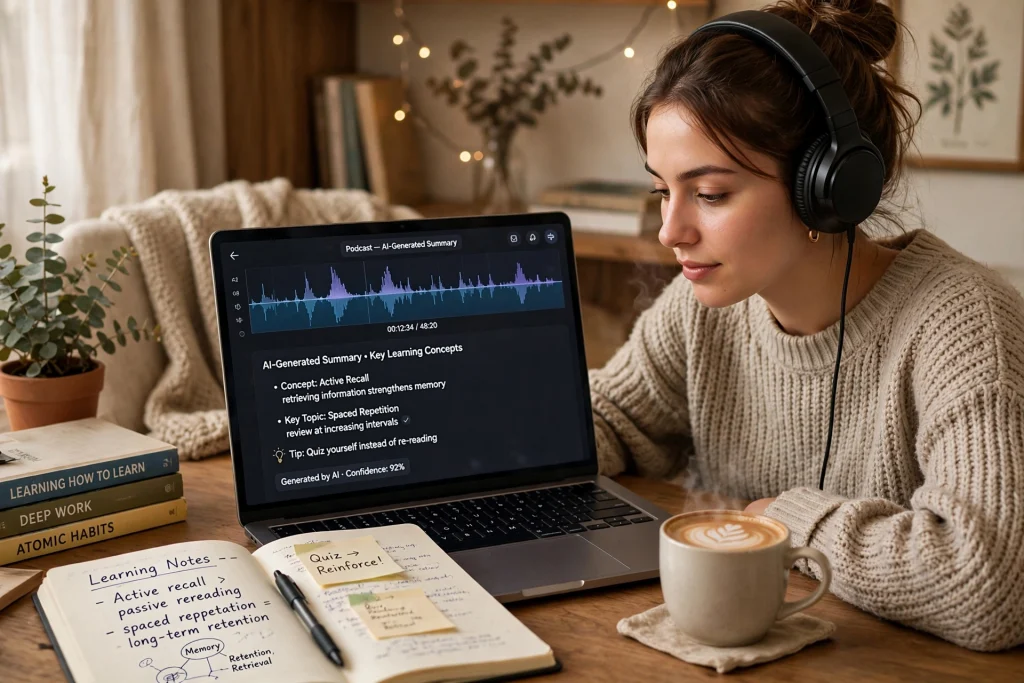
Okay, the feature that made me text three friends. NotebookLM turns your sources into an Audio Overview. Two AI hosts chatting about your documents, like a podcast. Upload something dense, get a conversation you can play in the car.
Google launched Audio Overviews in September 2024, and yeah, they blew up. The press called it an instant hit. Free tier: three a day. My routine: Sunday night I dump the week’s long reads in, Monday morning I listen. A 40-page report becomes twelve minutes of two people discussing it. I remember more than I ever did from skimming, and I’m a chronic skimmer.
One honest caveat, straight from Google: the hosts are experimental. They pause weirdly sometimes. They occasionally say something wrong. For anything that matters, click the citation and verify. Treat the audio as a first pass, not gospel.
Oh, and meeting recordings? Upload those directly as sources. For teams drowning in meetings, I compared the dedicated apps: AI Meeting Notes: Otter vs Fireflies vs Fathom vs Granola
What can you actually do with it?
Studying, obviously. Upload textbook chapters, quiz yourself. But the weirder uses are the good ones: job hunting (resume + job description = interview prep), reviewing a lease before you sign, researching a trip from travel blogs, turning a chaotic Google Drive into something you can actually search.
A few setups I’ve actually seen work:
The student setup. One notebook per class, all the readings inside. Practice questions before exams. Flashcards generated from the chapters you keep blanking on (we all have those chapters). Beats re-reading highlighted pages, and I say that as a former highlighter-in-chief. For ChatGPT-specific study prompts: ChatGPT for Students: 7 Study Prompts That Work
The job hunter setup. Resume plus job description in one notebook. Ask what matches, what’s missing, which questions you’ll get. Then drill answers against your own work history. Full workflow here: ChatGPT for Job Interviews: 6 Prep Prompts That Work
The “what is even in my data” setup. CSVs and Google Sheets count as sources, so exported reports and survey dumps become askable. For the heavy lifting inside ChatGPT’s spreadsheets, I still use these: ChatGPT for Excel: 6 Prompts That Do Your Work
Is NotebookLM really free?
Yep. Any Google account gets you 100 notebooks, 50 sources per notebook, 50 chat questions a day, and 3 audio overviews a day. Hit the daily caps and paid Google AI plans raise them. Most people? Never need to upgrade.
The confusing bit: Google renamed it to Gemini Notebook in July 2026. Same product, tighter Gemini app integration. Old links still work, and either name gets you there. Scale-wise, Google says 30 million-plus people and 600,000 organizations have used it. Explains the fuss.
Where it still falls short
Real talk section. NotebookLM is exactly as good as your sources. Feed it something biased and you’ll get beautifully cited biased answers. The 50-chat daily limit also dies faster than you’d expect. One deep research session with follow-ups and poof, you’re done till tomorrow. And no live web browsing, so for breaking news or current prices, use something else alongside it. Respect the edges and it’s great.
Frequently asked questions
Yes. Google renamed NotebookLM to Gemini Notebook in July 2026. Same tool underneath. Your notebooks, links, and bookmarks kept working. Most people still search the old name.
Yes, with any Google account. 100 notebooks, 50 sources per notebook, 50 chat questions a day, 3 Audio Overviews a day. Paid Google AI plans lift the caps if you ever hit them.
Yes. Drop in a public YouTube URL and it works from the transcript. Long videos are fine. Lectures, webinars, podcasts, all fair game.
PDFs, Word docs, Google Docs, Slides and Sheets, text and Markdown, CSVs, PowerPoint decks, web URLs, images, copied text, MP3 and WAV audio, public YouTube URLs. Each source caps at 500,000 words or 200 MB.
My suggestion: start with one annoying document
Find the document you’ve been avoiding. HR benefits packet. Lease renewal. Tuesday’s textbook chapter. Upload it tonight. Ask three real questions. Generate one Audio Overview for tomorrow’s commute.
Give it one evening. That’s a better review than anything I could write. Mine started with a vendor contract. Yours starts with whatever’s rotting in your Downloads folder.
Save hours every week with AI
One practical tip every Tuesday — the AI tools, prompts, and workflows that actually save you time. Free, no fluff.
No spam. Unsubscribe anytime.