
My sophomore-year roommate had a 3.9 GPA and a ritual he called “the interrogation.”
Night before every exam, he’d dump his lecture notes into ChatGPT — and then make it grill him. Not summarize. Grill. One question at a time. Wrong answer? Follow-up. Right answer? Harder question.
I watched him chew through an entire unit of biology in, like, an hour. Meanwhile my study method was highlighting the textbook until it glowed yellow. Suddenly mine looked… not great.
Here’s the thing, though. Midterms are hitting campuses right about now, and the students actually getting value from ChatGPT study prompts? Not smarter than everyone else. I mean — they’re asking better questions. That’s it. That’s the whole trick.
So here are the exact prompts that work. Plus how to use them without landing in academic-integrity hot water.
October 2026 update: midterm season is here, which is exactly when these prompts earn their keep. I re-tested all seven with the current free tier — no Plus subscription needed for any of them.
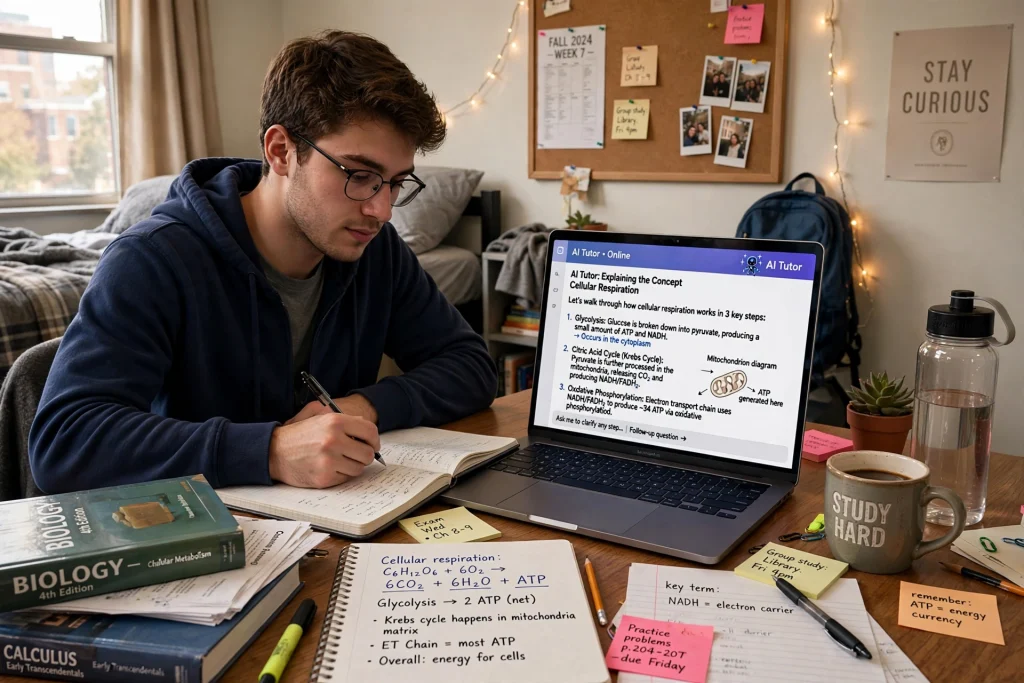
TL;DR: 7 ChatGPT prompts for studying that actually work — exam prep, essay outlining, concept explanations, and flashcards. Use them as a tutor, not a shortcut: the prompts below show how to learn faster without crossing academic integrity lines.
Using ChatGPT for studying means treating it as an on-demand tutor — asking it to explain concepts in different ways, quiz you on material, and help outline essays. The line is simple: it’s a study aid when it helps you understand, and cheating when it does the work for you. Most schools now draw that line explicitly in their academic integrity policies.
- 95% of students now use AI, and 94% report using generative AI to help with assessed work (HEPI, 2026). — Source: Programs.com
- 30% of students use AI daily (Microsoft). — Source: Programs.com
What are ChatGPT study prompts?
Short version: an instruction that turns ChatGPT into a study tool instead of an answer machine. A quizzer. An explainer. A practice-exam generator. You stop asking it to do your homework, and start asking it to teach you the material. Night-and-day difference.
The numbers are kind of wild, actually. A Pew Research Center survey of 1,391 US teens found 26% used ChatGPT for schoolwork in 2024 — double the 13% from 2023. But here’s the nuance the headlines skip: 54% of those teens said using it for research is fine, while only 18% thought having it write essays is acceptable. Big gap. That line matters — and every prompt below sits on the right side of it.
Set it up right first (5 minutes that pay off)
Two things. Seriously, two.
First: tell ChatGPT who you are. I used to just… start typing questions. Cold. Zero context. Then one day I typed, “I’m a college freshman taking Bio 101, Econ 201, and a US history survey. I struggle with memorizing terms” — and everything got sharper. It remembers this stuff if you set up memory properly, which I walked through in this memory setup guide.
Second — and this one’s non-negotiable — never paste an assignment in and ask for the answer. Yes, there’s the academic-integrity problem. But there’s also a selfish reason: it short-circuits the only thing that actually makes studying work. Retrieval. Your brain learns by pulling information out, not by watching it glide past on a screen. Every prompt below is built on that idea.
The 7 prompts
1. The Socratic interrogator
Copy-paste: “Ask me one question at a time about [topic]. Don’t give me the answer. If I get it wrong, explain why in two sentences, then ask me a harder follow-up question. If I get it right, move on.”
The one my roommate used. Brutal. Effective. Why? Recall, not recognition. Re-reading your notes feels productive — it mostly isn’t. (Sorry.)
2. The professor-in-your-pocket
“Explain [concept] like I’m a smart college freshman who missed the lecture. Give me one real-world example and one common way people misunderstand it.”
That second part? The “common misunderstanding”? Secret weapon. Where other students trip is exactly where exam questions aim. Think about it.
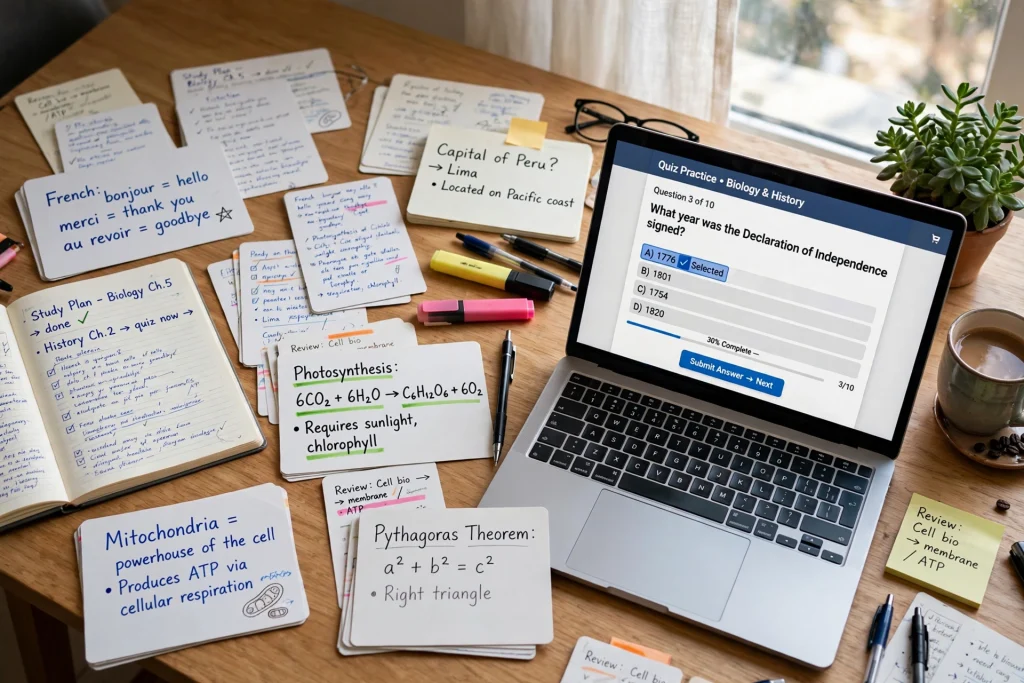
3. The practice exam generator
“Make a 10-question practice quiz on [chapter name]. Questions 1–6 multiple choice, 7–10 short answer. Do NOT include the answers. I’ll reply with my answers and you grade me, showing what I got wrong and why.”
Pro move: say the chapter the way your syllabus does. “Chapter 7: Cellular Respiration” gets a way better quiz than “biology stuff.” Garbage in, garbage out — you know the drill.
4. The gap finder
Paste in your study notes, then: “Read my notes. Quiz me ONLY on the parts I seem fuzzy or incomplete about, one question at a time.”
My favorite of the seven, honestly. It turns a 40-page doc into the 6 pages you actually need. I ran my econ notes through this last year and discovered I “knew” supply shifts but had merely memorized demand curves. Which is to say: it saved my grade.
If your readings live in PDFs, run them through an AI PDF tool first — the extracted text pastes cleaner than scanned pages.
5. The analogy machine
“I keep mixing up [X] and [Y]. Explain the difference using an analogy from [thing you know well — cooking, basketball, video games, driving].”
Mitochondria = the powerhouse of the cell. Still the most famous analogy in education. Why? Because it works. Pick something you genuinely know — not something you sort of know — and the concept sticks.
6. The study-plan builder
“I have a [subject] exam on [date]. I can study 45 minutes a day. Build me a day-by-day plan for [topics] that starts easy and ramps up, with one rest day.”
Pairs nicely with planning your whole week in ChatGPT — one plan for the week, another for the subject. Layers. (I’m a layers person.)
7. The essay surgeon (not a ghostwriter)
Paste a paragraph you actually wrote, then: “Don’t rewrite this. Point out my three weakest sentences and tell me specifically what’s wrong with each one.”
You stay the author; the AI plays editor. That line matters — ethically, yes, but also practically. Professors can smell a voice that isn’t yours. They really can.
How do I use ChatGPT to study without getting in trouble?
Simple rule: tutor, not typist.
Asking ChatGPT to explain a concept, generate practice questions, or rip apart a draft you wrote? Legit studying. At basically every US college. But pasting an assignment in and submitting whatever comes out? Academic dishonesty at most schools — and riskier than it used to be, because professors have seen a lot of AI prose by now. They know the cadence. The rhythm.
When in doubt: read the syllabus. Most now spell out an AI policy. And honestly? Ask the professor. “What’s fair use in your class?” Most will tell you straight.
Is the free version of ChatGPT good enough for studying?
Yep. For everything on this list, yes.
All seven prompts run fine on the free tier — I’d actually say most students should start there and stay there for a while. Curious how free options stack up more broadly? I rounded up the free AI tools that genuinely compete. And if you’re wondering about the $20/month Plus plan: faster responses, stronger reasoning on genuinely nasty problems (organic chemistry, advanced stats). I’ve compared the paid plans side by side, and my take is boring but true — master the free prompts first, then decide.
Pro tip: if your professor allows recordings, pair this with an AI note-taker. Record the lecture, grab the transcript, feed it into prompt #4. I compared the main options here.
FAQ
Not reliably, no. AI detectors? They false-positive on human writing constantly — the irony of an AI-detector post saying this is not lost on me. In practice, professors who care about this look at process: drafts, in-class work, whether you can actually explain what you turned in. The nice thing about the prompts in this post? They dodge the whole issue. You’re the author throughout.
Depends on the course policy — and the real dividing line is authorship. Studying with AI: fine. Submitting AI-written work as your own: not fine. Read the syllabus, and when it’s murky, just ask. My personal rule: AI edits, I write.
Honestly? Try all three. ChatGPT is the best all-rounder, Gemini plugs straight into Google Docs, and Claude writes clean, structured explanations. All three have decent free tiers. Run the same prompt through each and see which explanations actually click for your brain.
Oh, constantly. And with total confidence — that’s the scary part. It’ll invent citations, dates, statistics, all delivered in the same assured tone as real facts. So: treat it as a starting point, not a source. Anything grade-critical, verify against your textbook or lecture slides.
Start with one prompt tonight
Okay. Pick whatever you’re studying right now. Open ChatGPT. Paste prompt #4 with your notes for that class — or #1 with the topic that scares you most.
Time yourself. If you get 45 real, focused minutes out of it, and you actually remember something tomorrow morning? That’s the game. That’s literally the whole game.
The students pulling ahead aren’t using some secret model or paid trick. They’re just asking the machine to teach — instead of asking it to type.
Save hours every week with AI
One practical tip every Tuesday — the AI tools, prompts, and workflows that actually save you time. Free, no fluff.
No spam. Unsubscribe anytime.
Pingback: ChatGPT for Job Interviews: 6 Prep Prompts That Work
Pingback: ChatGPT Plus vs Claude Pro vs Gemini: Worth $20? - Productive AI Hub