
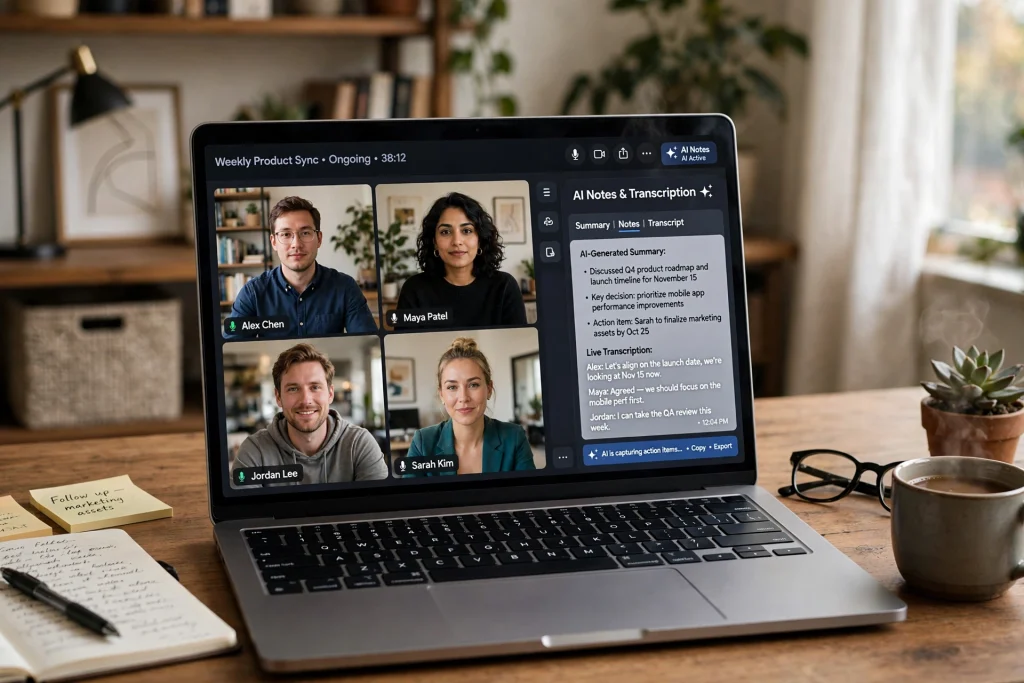
Last month I did something slightly unhinged: I let four different AI meeting notetakers sit in on the same two weeks of calls. Same meetings, four tools, four transcripts. My colleagues thought I’d lost it. Honestly, it was the most useful experiment I’ve run all year.
TL;DR: I let four AI notetakers — Otter, Fireflies, Fathom, and Granola — sit in on my real meetings for a month. Fathom wins for most people: the free tier is absurdly generous and there’s no awkward bot. Fireflies is the cheapest paid upgrade at $10/month if you live in a CRM.
How this post differs: This post compares four tools – Otter, Fireflies, Fathom, and Granola – while AI Meeting Notes Tools 2026: Otter vs Fireflies vs Fathom covers three tools – Otter, Fireflies, and Fathom – from a two-week hands-on test, without Granola as a fourth comparison.
AI meeting notetakers are tools like Otter.ai, Fireflies, Fathom, and Granola that join your calls, transcribe the conversation, and produce summaries with action items. The key choice is bot versus botless: most send a visible bot into the meeting, while a few (like Granola) take notes locally without joining. Free tiers cover light use; heavy users pay roughly $10–20 a month.
- Otter.ai surpassed $100 million in annual recurring revenue with 35 million+ users and over 1 billion meetings processed (2025). — Source: Business Wire
- The global AI notetaker for meetings market was estimated at $2.16 billion in 2025, growing at a 7.9% compound annual growth rate. — Source: Market Publishers
The average employee spends 4.7 hours a week in meetings, according to a 2025 survey of 9,000 workers by researchers at Harvard Kennedy School and the Norwegian School of Economics (via CEPR). Another estimate from Fellow puts it at 11.3 hours a week. Either way, a huge chunk of your workweek evaporates into calls, and that’s exactly why AI meeting notes have taken off. Half of what’s decided on a Tuesday call is forgotten by Friday. An AI notetaker fixes that, or at least claims to.
What is an AI meeting notetaker? An AI meeting notetaker is software that records your video calls, transcribes the conversation, and generates summaries, action items, and searchable transcripts automatically. Most tools either join the call as a visible bot participant or record audio locally on your device, then deliver notes within minutes of the meeting ending.
| Tool | Free Tier | Bot or Botless | Best For | Starting Price |
|---|---|---|---|---|
| Otter.ai | 300 min/month | Bot joins | Live transcription | $16.99/mo |
| Fireflies.ai | Very limited | Bot joins (“Fred”) | Sales teams, CRM | $10/mo |
| Fathom | Unlimited recordings | Bot joins | Best free pick | $16/mo |
| Granola | 5 AI notes/month | No bot (local app) | Privacy, no-bot meetings | $14/mo |
The four contenders, in 30 seconds
Direct answer: Otter, Fireflies, Fathom, and Granola all record, transcribe, and summarize your meetings. Otter leads on transcription accuracy, Fireflies on CRM integrations, Fathom on free-tier generosity, and Granola on privacy with no bot joining your calls. The right pick depends on which of those four you actually need.
Otter.ai is the veteran. Best transcription accuracy of the bunch, strong on live collaboration. Free plan: 300 minutes a month. Paid from $8.33/user/month billed annually.
Fireflies.ai is the integrator. It plugs into 50+ tools including CRMs, so notes flow straight into your workflow. Free tier includes unlimited transcription with 400 minutes of storage. Pro: $10/seat/month billed annually.
Fathom is the freebie king. Unlimited recordings and transcriptions on the free plan, which is honestly absurd value. Paid team plan from $15/user/month billed annually. (Pricing per TechRepublic’s September 2026 roundup.)
Granola is the privacy pick. No bot joins your call; it enhances your own notes locally instead. Free with limited history; around $14/user/month.
Which one transcribes best?
Direct answer: Otter.ai won on raw transcription accuracy in my testing, especially with accented speech and crosstalk. Fireflies was close behind. Fathom handled clear one-on-ones fine but stumbled more on fast group discussions. Granola was decent, but transcription isn’t its real strength. That would be the note enhancement, which I’ll get to.
The unglamorous truth is that all four are good enough for standard English-language business calls in 2026. The differences only show up at the edges: three people talking over each other, heavy accents, bad microphones. If your team is international, Otter’s edge is worth it. If everyone’s on decent headsets speaking clearly, you won’t notice much difference between any of them.
The bot problem nobody talks about
Direct answer: a visible bot in your meeting changes the vibe — guests go quiet, someone asks who the notetaker is, and on client calls it can feel like being recorded by a stranger. My rule: internal meetings get the bot tools; client calls get Granola’s local recording. Match the tool to the room, not the feature list.
Here’s what surprised me most. These tools split into two camps, and the split matters more than any feature list.
Otter and Fireflies join your call as a visible participant. “Fireflies.ai Notetaker” sitting there in the attendee list. Clients notice. I had one prospect ask mid-pitch, “who’s that?” Awkward. You get used to announcing it, and honestly most people are fine with it now. But on sensitive calls (negotiations, HR conversations, first meetings with a new client) it changes the dynamic. People talk a little more carefully when they know they’re being transcribed.
Fathom and Granola skip the bot entirely. Granola records locally on your Mac and deletes the raw audio after transcription. Nothing sits on a third-party server. For privacy-sensitive work, that’s the whole argument.
My rule now: internal team meetings get the bot tools. Anything with a client or anyone outside the company gets Granola. Two tools sounds excessive until you realize the free tiers cover both, so my total cost is zero.
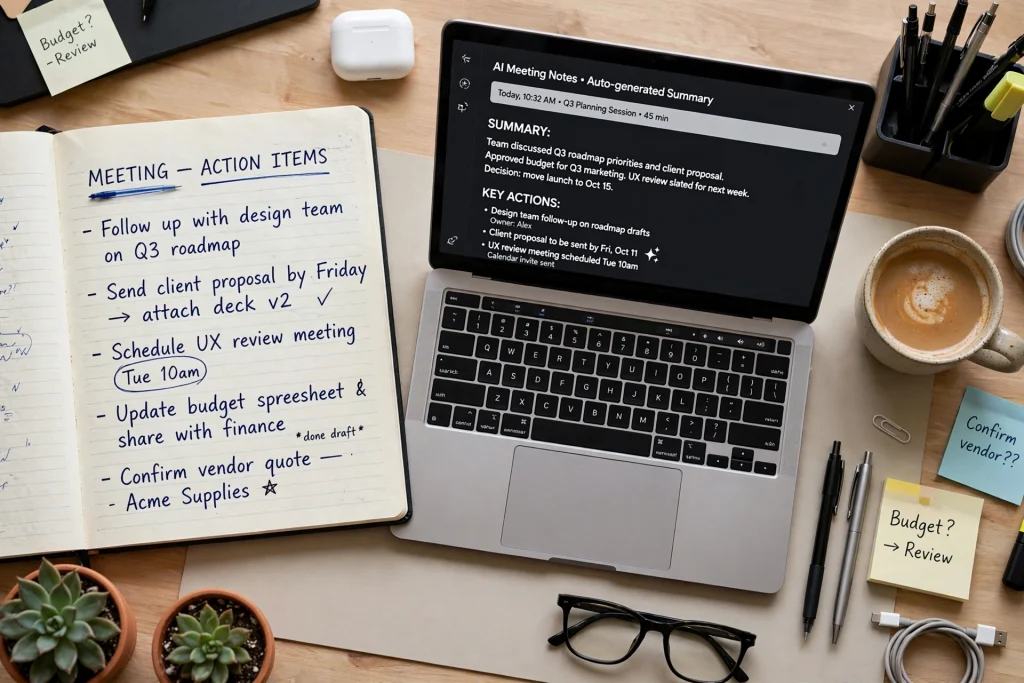
Where’s the real value? Action items.
Direct answer: transcripts are nice, but action items are the point, and Fireflies was the best at generating them in my testing. It assigns owners and deadlines, and the CRM integrations mean sales notes land in the right place without copy-paste.
Otter’s action items were accurate but I had to move them manually into my task list. Fathom’s summaries were the most readable of the four. Genuinely pleasant to skim, like a good email from a competent colleague. Granola takes a different approach: it merges AI notes with the notes you typed yourself. That sounds minor. It isn’t. Your own half-sentences plus AI fill-in beats pure AI summaries, because your notes capture what you thought mattered and the AI captures everything you missed.
Quick workflow tip: whatever tool you pick, spend five minutes after each meeting reviewing the action items. I do it while writing follow-up emails. If your inbox is the other time sink in your day, I broke down my whole system in my post on cutting email time in half with AI.
What would you actually pay?
Direct answer: most individuals should pay nothing. Fathom’s free plan covers unlimited recordings and transcriptions, and that handles 90% of the job. Teams choosing between paid plans should match the tool to their workflow: CRM-heavy teams get more from Fireflies, accuracy-focused teams from Otter.
Fireflies at $10/seat/month (annual billing) wins if you live in a CRM. Otter at $8.33/user/month (annual) wins if transcription accuracy is the priority. Granola at around $14/user/month is worth it for client-facing work where the bot would be awkward.
Before paying for any AI subscription, I always ask: does this save me a measurable hour a week? I ran that exact math on the big $20/month plans in my ChatGPT Plus vs Claude Pro vs Gemini comparison, and the same logic applies here.
Fireflies’ pricing page (re-checked October 2026) still lists Pro at $10 per seat per month on annual billing, and the free tier now includes unlimited transcription with 400 minutes of team storage — so the ‘pay nothing until it hurts’ advice above still holds.
They also claim 1 million+ companies now use the notetaker, which honestly tracks with how often Fred pops up uninvited in my meetings. At that scale, the 50+ integrations are the real moat — not transcription quality, which is table stakes across all four tools now.
How I actually use mine
Direct answer: I run Granola on every external call — no bot, no awkwardness — and let Fireflies join internal standups so action items flow to my task list automatically. Friday afternoons I skim the week’s summaries into my weekly plan. Total cost: $0, and honestly the free tiers cover everything I need.
My setup after a month of testing:
- Granola runs on every external call. No bot, no awkwardness.
- Fireflies joins internal standups and project syncs, and action items flow to my task list automatically.
- Friday afternoon, I skim the week’s summaries and dump highlights into my weekly plan using the same 20-minute routine I wrote about here.
- I feed recurring meeting context into ChatGPT’s memory so follow-ups keep getting smarter. My memory setup guide walks through the whole thing.
Total cost: $0. If I were running a sales team, I’d pay for Fireflies Pro without blinking. And if you want to go full free-tier across your whole stack, my roundup of 7 free AI tools that actually compete covers the rest.
So which should you pick?
Direct answer: most people should start with Fathom’s free plan — it does 90% of the job for $0. Sales or CRM-heavy teams should get Fireflies at $10/seat, accuracy sticklers get Otter, and anyone doing client calls where a bot feels weird gets Granola. Pick the one that matches your call type, not the one with the longest feature list.
- Most people, start here: Fathom (free). Does 90% of the job for $0.
- Sales or CRM-heavy teams: Fireflies. The integrations justify $10/seat.
- Accuracy matters most: Otter. Best transcriber, especially with accents.
- Client calls and privacy: Granola. No bot, no stored audio.
One honest caveat before you pick: this was real meetings, real chaos, not a lab. One month, my actual calendar. So your mileage will absolutely vary. Accents, cheap microphones, three people talking over each other (you know the call). Do yourself a favor: run any of them free for two weeks before you spend a cent.
Frequently asked questions
Short answer? Yes. Longer answer: several US states, California, Florida, Illinois among them, require all-party consent, which means announcing it at the start of every call. Pop it in the invite too. Here’s the thing: bot tools make this obvious by joining visibly (hard to miss “Fireflies.ai Notetaker” in the attendee list). With botless tools, though? The responsibility is 100% yours. When in doubt, just ask. Seriously.
For standard business English, honestly? Yes. Modern transcription clears 90% accuracy on decent audio, no problem. But, and this is a real but, errors love to cluster exactly where it hurts: names, numbers, deadlines. The stuff you can’t afford to get wrong. So verify those manually. Always. I still skim every single summary before acting on it. You should too.
Bot notetakers like Otter and Fireflies join the call as a visible participant and record from the meeting platform. Botless tools like Granola and Fathom record audio locally on your device without joining the call, which avoids the awkward “who’s that bot?” moment and keeps raw audio off third-party servers.
Almost, but not quite. They capture what was said better than you ever will, but they don’t capture what you thought. I still jot 3-4 bullet points per meeting. Granola’s merge of my own notes with AI transcription produced the most useful record of the four tools I tested.
Save hours every week with AI
One practical tip every Tuesday — the AI tools, prompts, and workflows that actually save you time. Free, no fluff.
No spam. Unsubscribe anytime.

Pingback: NotebookLM: Google's Free AI That Reads Your Documents - Productive AI Hub
Pingback: How I Cut My Email Time in Half With AI (My 2026 System) - Productive AI Hub
Pingback: ChatGPT for Freelancers: 7 Prompts That Win Clients - Productive AI Hub ChatGPT for Freelancers: 7 Prompts That Win Clients